


No account to take part
Everyone joins with one tap on the invitation link. They share only a name and an email to find out who they got. No password, no account.
A favour, before you go on
Cuchumbo is free for everyone, with no account and nothing to pay, and we want to keep it that way. The ads on this page are what make that possible, and your blocker is hiding them. If that seems fair, allow them on this site only and reload the page. If you would rather not, your Secret Santa goes on as usual.
The names go on slips of paper, the slips go into a cup, and the cup gets shaken. In Honduras and El Salvador that cup is called a cuchumbo, and that's where the game got its name; in Colombia the same game is known as amigo secreto. The same draw is played from Mexico to Argentina, by way of Guatemala, Venezuela, Ecuador, Peru, Bolivia, Paraguay, Chile and Uruguay, and across the Atlantic in Spain. Then everyone reaches in, draws a slip, and keeps the secret until gift day. Here the app does the shaking: it hands out the invitations, keeps the hints and sends the reminders. That way the draw stays sealed, even from the organizer.
No account to take part · Free · Deletes itself about 6 months after gift day

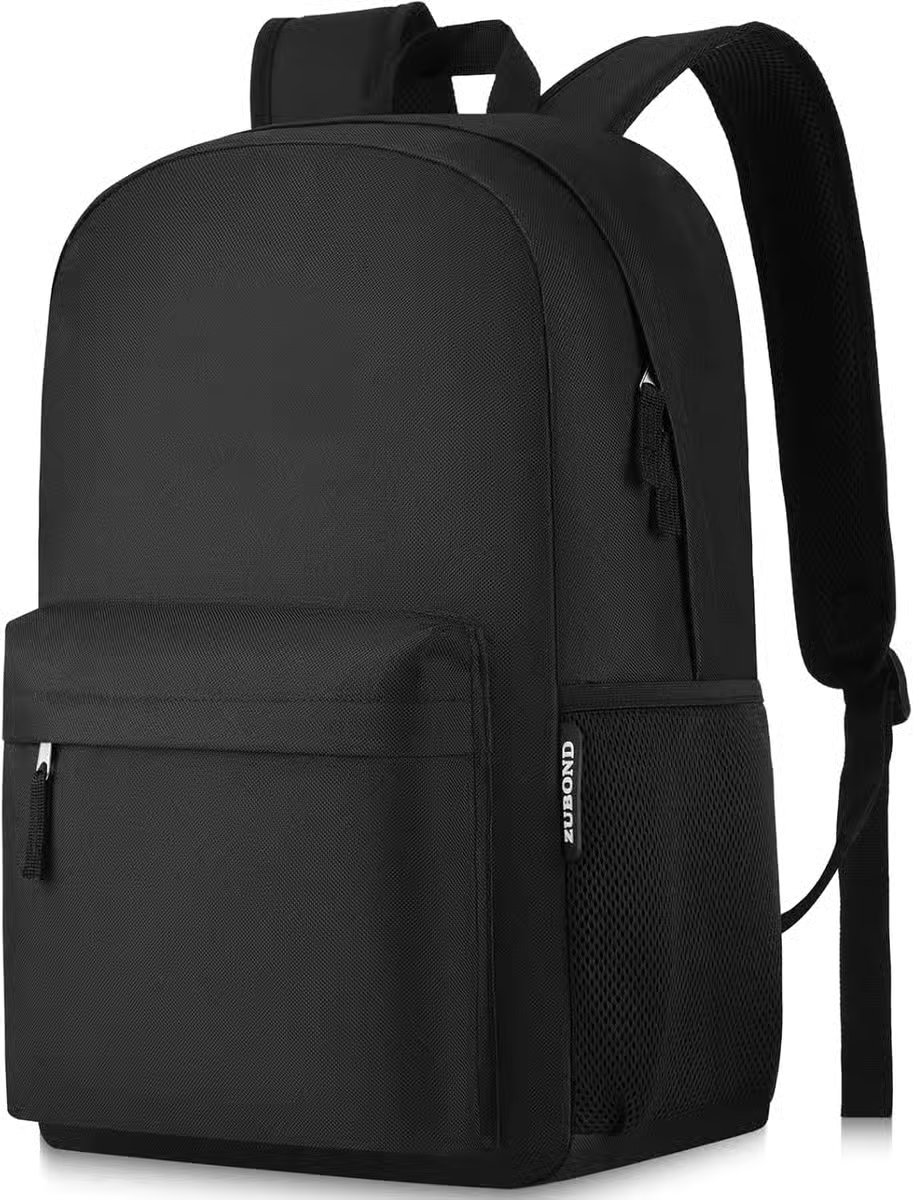
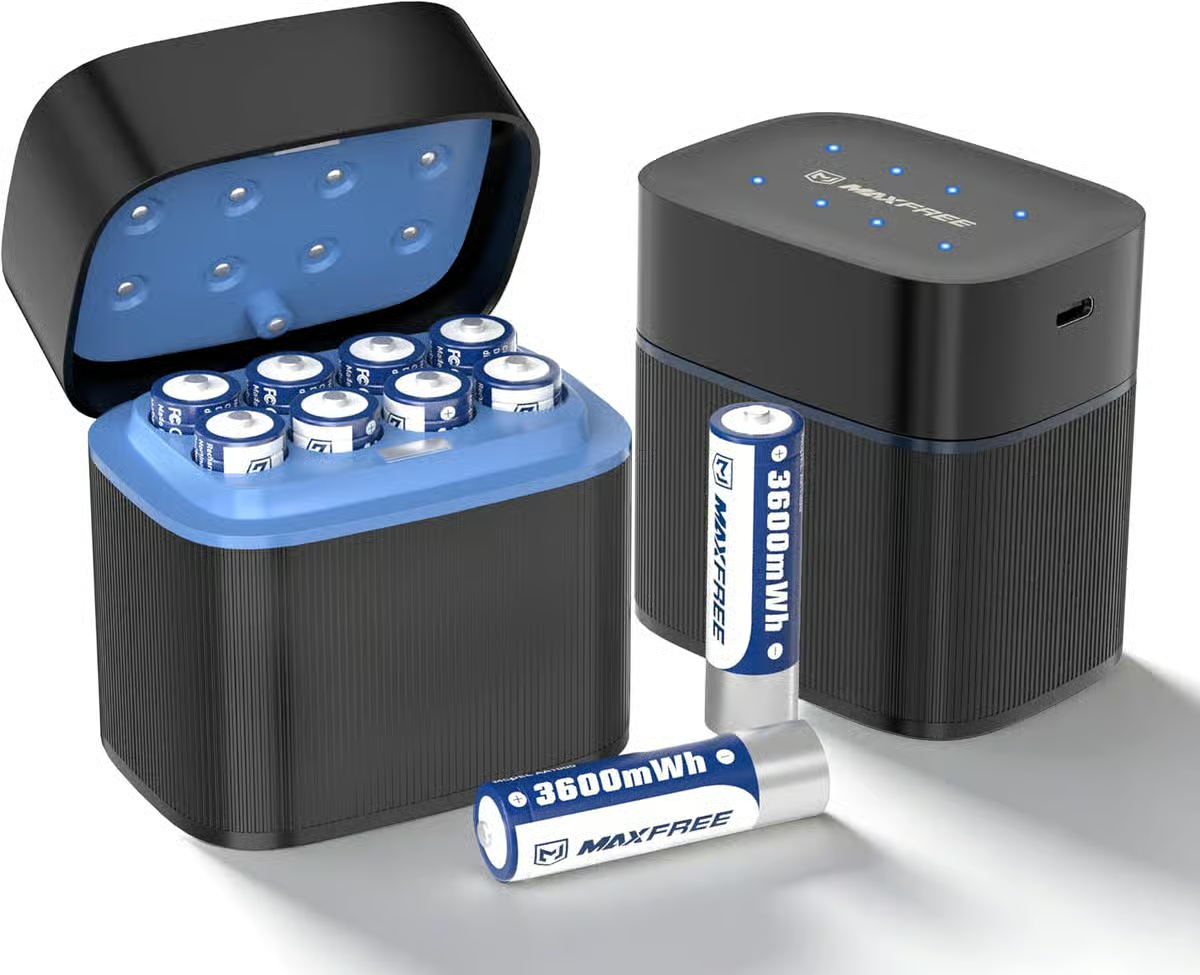
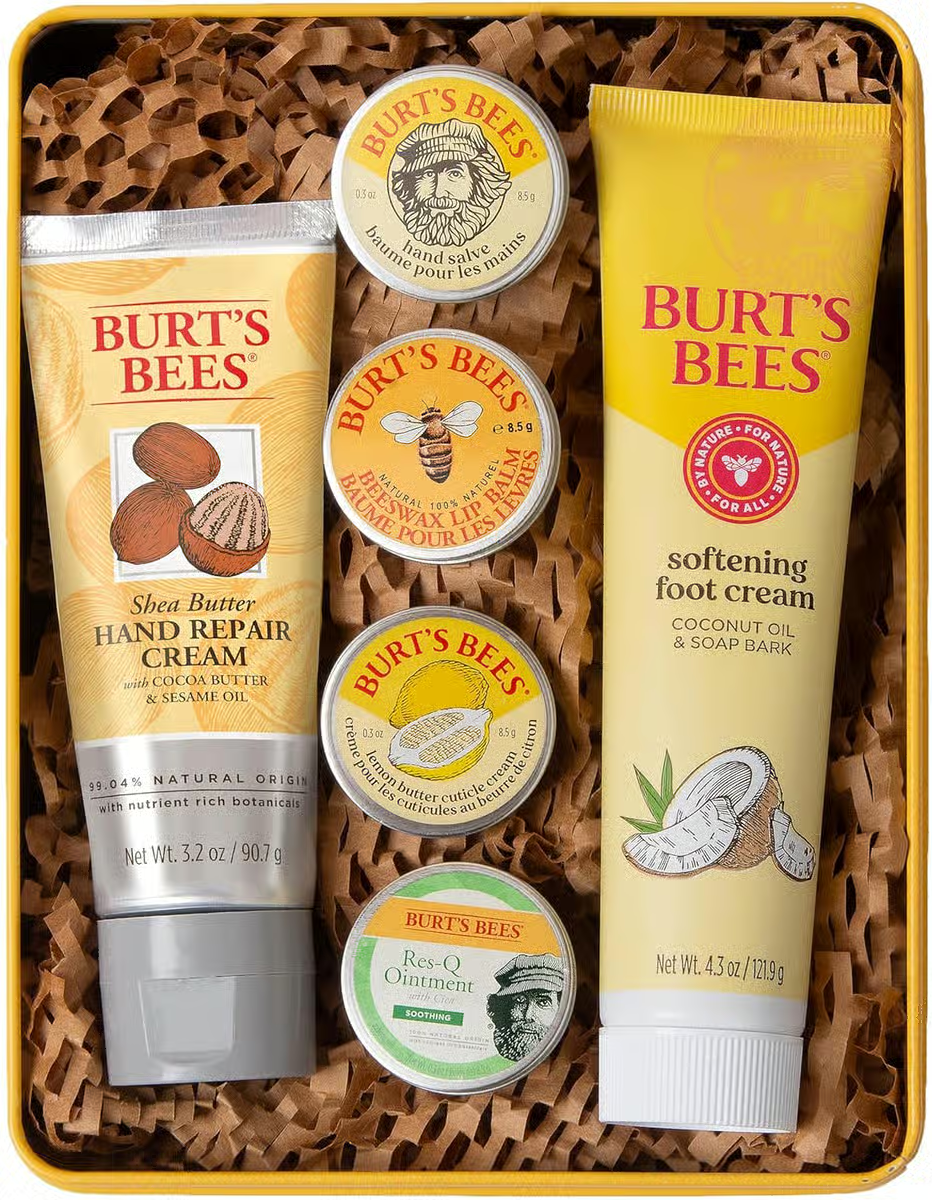
Gift ideas picked to match the season. As an Amazon Associate, Cuchumbo earns from qualifying purchases. Links open Amazon in a new tab.
You name the exchange, pick gift day and share one link. Your people join with a tap: a name and an email, no password and no account. Everyone leaves their hints and sees only who they got.
Everyone joins with one tap on the invitation link. They share only a name and an email to find out who they got. No password, no account.
Not even the organizer can see the result. After the draw, everyone can open only their own.
Everyone picks the language they read in. The pages, the emails and the reminders follow along.
Give it a name, pick gift day and add a budget if you like. Under a minute.
Share the invitation link. Everyone joins with one tap, leaves their hints and waits for the draw.
A peek at what you'll be running: your organizer page, the invitation link, the moment everyone finds out who they got. Nothing to install, no account needed.
What you see as the organizer
What your invitation looks like
What your people see when they find out who they got
Christmas dinner with the family, the year-end party at the office, or a Secret Santa with friends scattered across cities: Cuchumbo fits any group that loves to give.
Ground rules that keep the surprise intact: nobody repeats, nobody draws themselves, and the organizer doesn't find out either.
Low-pressure ideas for every budget and every kind of relationship, sorted by theme, so you can pick a gift and get on with your day.
The full playbook: inviting a group that spans time zones, running the reveal from a distance, and the little touches that make it unforgettable.
Beyond those, the same slips of paper show up under other names. Spain says amigo invisible. Germany plays Wichteln, and settles the funny gifts with a White Elephant. The Netherlands closes the year with Sinterklaas instead. In Japan, Secret Santa shows up at the office with etiquette of its own. Different name, same secret kept.
Office-safe rules, discreet participation and a sealed draw: the playbook for work.
One invitation link brings the whole family together, across languages and countries.
Shipping windows, a reveal on everyone's own time, digital gifts: built for teams that are far apart.
Dates, shipping buffers and realistic budgets for this year's Secret Santa.
A workplace exchange has different risks than a family one: people need to be able to opt out without explaining, the budget has to suit everyone, and nobody should feel singled out. Four rules for getting there.
Rules ready to paste into the chat of a group that can't meet: friends in different cities, a scattered family or a remote team. They cover the budget, shipping, gift day and digital gifts.
Secret Santa rules for kids, easy to explain: simple gifts, a grown-up who helps, keeping the secret and saying thank you.
White Elephant rules explained: how turns are drawn, how many times a gift can be stolen and when it's locked.
A group of eight organizes itself. A group of thirty needs deadlines, one place for information and a plan for dropouts. How to run it without chaos.
How to run a Secret Santa or gift exchange draw from a WhatsApp group: share one link, everyone signs up and gets their result privately. Free, no account.
How to run a Secret Santa with kids: separate draws by age, a kids' budget, a shorter wait and the parents' role.
How to repeat a Secret Santa every year: reuse the list, avoid repeat pairs, change the theme and bring newcomers in.
Office-safe picks that land whether you know them well or barely at all.
You have 24 hours. What you can still pull off, without panicking.
Thoughtful ideas that feel generous without giving away the price tag.
Time and care: the two things money can't imitate.
Set up in a minute. Free, no account for your people, and a draw that stays sealed, even from you.
No account to take part · Free · Deletes itself about 6 months after gift day
Gift ideas picked to match the season. As an Amazon Associate, Cuchumbo earns from qualifying purchases. Links open Amazon in a new tab.
Choose your language